
Introduction
Websites have become an essential part of every business. Today, companies need responsive, attractive, and user-friendly websites to improve customer engagement and online visibility.
Because of this digital transformation, web designing has become one of the most valuable creative and technical skills in the modern industry.
However, creating professional websites requires more than creativity alone.
Modern web designers use advanced tools and software to build visually attractive layouts, interactive interfaces, and responsive website designs.
As a result, professionals with expertise in web designing tools are highly demanded across multiple industries.
Many students want to start careers in web design and UI development. Meanwhile, freelancers and working professionals are searching for practical design skills that can improve career opportunities and freelance growth.
However, beginners often feel confused about which web designing tools they should learn first.
Some learners want to master Photoshop and Figma. Others want to understand frontend design tools and responsive website creation.
This is exactly why professional web designing tools training becomes important.
A structured course helps students learn industry-standard tools step by step through practical implementation and live projects.
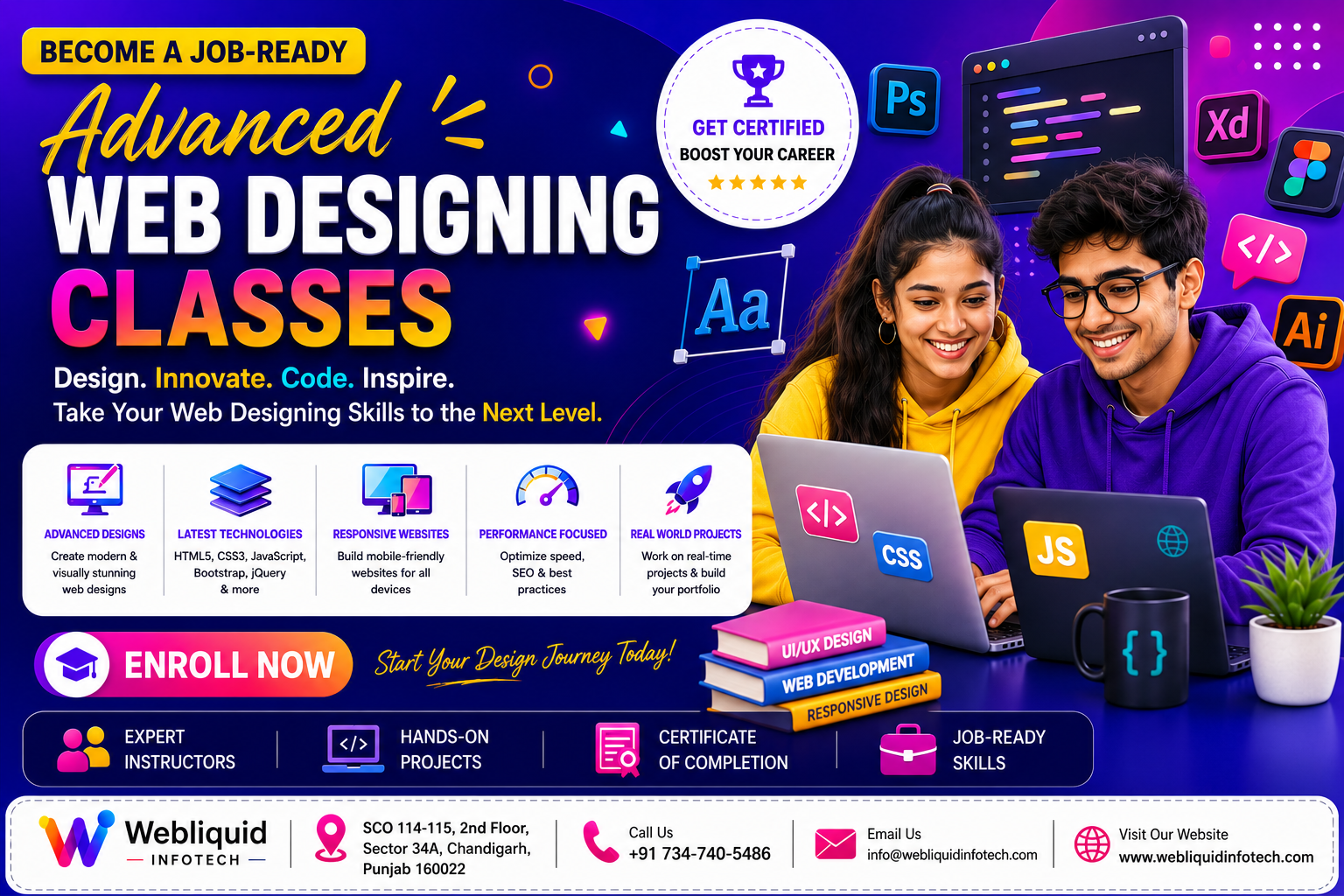
Webliquidinfotech Institute offers industry-oriented web designing tools training with hands-on practice, real-world assignments, and beginner-friendly guidance. In addition, the institute focuses on helping students build job-ready design and frontend development skills.
In this complete guide, you will learn:
- What web designing tools are
- Why web designing tools are important today
- Skills taught in professional training
- Career opportunities after course completion
- Benefits of practical learning
- How Webliquidinfotech Institute helps students succeed
What are Web Designing Tools?
Web designing tools are software applications and technologies used to create websites, graphics, layouts, and user interfaces.
In simple words, these tools help designers build professional and responsive websites efficiently.
Web designing tools are used for:
- Website layout creation
- UI and UX design
- Graphic editing
- Responsive web design
- Frontend development
- Interactive webpage creation
Modern web designers combine creativity and technical skills to build engaging digital experiences.
Moreover, design tools improve workflow speed and project quality significantly.
Why Web Designing Tools are Important
Professional websites require strong design planning and implementation.
Because of this, web designing tools help designers:
- Create responsive layouts
- Design visually attractive interfaces
- Improve user experience
- Build faster workflows
- Manage design consistency
As a result, businesses prefer professionals who understand modern web design software and frontend tools.
Most Popular Web Designing Tools
Modern web designing includes multiple tools and technologies.
Each tool serves a different purpose in the website creation process.
Adobe Photoshop
Photoshop is one of the most popular design tools for web designers.
Students use Photoshop for:
- Banner creation
- Website mockups
- Image editing
- UI graphics
- Social media creatives
Photoshop improves creative design capabilities significantly.
Figma
Figma is widely used for UI and UX design.
Students learn:
- Wireframe creation
- UI layouts
- Design collaboration
- Interactive prototypes
- Mobile app design basics
Figma is extremely popular among modern UI and UX designers.
Adobe Illustrator
Illustrator helps designers create vector graphics and icons.
Students understand:
- Logo design
- Vector illustrations
- Web graphics
- Branding elements
- Icon creation
Illustrator improves professional design quality.
HTML and CSS
Web designers often learn frontend basics to understand website structures.
Students learn:
- Website layouts
- Responsive styling
- Navigation systems
- Webpage structure
- Interactive design basics
HTML and CSS are essential for frontend web designing.
JavaScript Basics
JavaScript adds functionality and interactivity to websites.
Students learn:
- Dynamic webpage behavior
- Interactive features
- Form validation
- User interaction basics
- Frontend functionality
Without JavaScript, websites remain static and less engaging.
Bootstrap Framework
Bootstrap helps designers create responsive websites quickly.
Students understand:
- Grid systems
- Mobile-friendly layouts
- Responsive components
- Website responsiveness
- Frontend optimization
Consequently, website design becomes more efficient and professional.
Why Web Designing Skills are Important Today
High Industry Demand
Every business now requires a professional website and strong visual branding.
Therefore, companies actively hire skilled web designers and UI professionals.
Industries hiring web designers include:
- IT companies
- Marketing agencies
- E-commerce businesses
- Educational platforms
- Media companies
- Startups
- Healthcare organizations
Consequently, web designing offers strong career opportunities.
Better User Experience
Modern users expect websites to be responsive and visually attractive.
Because of this, businesses focus heavily on UI and UX design.
Good web design improves:
- Customer engagement
- Website usability
- Mobile responsiveness
- Online branding
- User satisfaction
As a result, professional web designers remain highly valuable.
Excellent Career Opportunities
Learning web designing tools opens multiple career paths.
Students can work as:
- Web Designers
- UI Designers
- UX Designers
- Frontend Designers
- Creative Designers
These roles offer competitive salary packages and long-term growth.
Freelancing Opportunities
Many web designers work independently with clients worldwide.
For example, freelancers can provide:
- Website design
- UI and UX design
- Landing page creation
- Website redesign
- Graphic and branding services
Besides this, freelancing offers flexible remote work opportunities.
Skills Taught in Web Designing Tools Training
A professional training program teaches both creative and technical skills.
Therefore, students become industry-ready professionals.
UI and UX Design Concepts
Students understand:
- User interface principles
- User experience optimization
- Design thinking
- Navigation systems
- Website usability
Good UI and UX improve customer satisfaction significantly.
Responsive Web Design
Modern websites must work properly across all devices.
Therefore, students learn how to optimize websites for:
- Smartphones
- Tablets
- Laptops
- Desktop systems
Responsive design is essential in modern web development.
Graphic Design Basics
Graphic design skills improve website creativity and branding.
Students learn:
- Color theory
- Typography
- Layout principles
- Visual hierarchy
- Creative composition
These concepts improve overall design quality.
Interactive Web Design
Students also learn interactive frontend concepts such as:
- Hover effects
- Animations
- Dynamic layouts
- Interactive UI elements
- User-friendly design patterns
Interactive websites improve engagement and user experience.
Live Project Development
Practical projects are an important part of training.
Students work on:
- Website mockups
- Responsive layouts
- UI projects
- Landing pages
- Frontend design implementation
This practical exposure improves confidence and technical understanding.
Why Practical Learning Matters in Web Designing
Web designing is a practical skill. Therefore, implementation matters more than theory alone.
Students improve faster through hands-on practice and live projects.
Practical learning helps students understand:
- Real-world workflows
- Responsive design implementation
- UI and UX optimization
- Professional design standards
- Client requirements
Additionally, project-based learning improves job readiness.
Common Challenges Beginners Face
Many beginners feel confused while learning web designing tools.
However, proper guidance makes the learning process easier.
Understanding Multiple Design Tools
Some students struggle to learn several software applications together.
However, step-by-step training simplifies the process.
Balancing Creativity and Technical Skills
Web designing requires both creative thinking and technical implementation.
Therefore, structured learning becomes extremely important.
Responsive Design Difficulties
Beginners often struggle to optimize websites for different devices.
Nevertheless, practical implementation improves understanding quickly.
How Webliquidinfotech Institute Helps Students Learn Web Designing Tools
Choosing the right institute plays a major role in skill development.
Webliquidinfotech Institute focuses on practical learning and industry-oriented training.
Industry-Oriented Curriculum
The curriculum follows current industry requirements.
Students learn:
- Photoshop
- Figma
- Illustrator
- HTML and CSS
- JavaScript basics
- Responsive design
- UI and UX concepts
- Frontend project development
As a result, students gain complete web designing knowledge.
Beginner-Friendly Teaching
Many beginners hesitate before learning design software.
However, trainers explain concepts in simple and easy language.
Because of this, students feel more confident during training.
Practical Learning Approach
Students receive hands-on training through:
- Live designing sessions
- Interactive assignments
- Responsive website projects
- UI design exercises
- Real-world implementation
This approach improves creativity and technical understanding.
Real-World Project Exposure
Project-based learning helps students understand professional workflows.
For example, students work on:
- Responsive websites
- UI and UX projects
- Website mockups
- Interactive web layouts
Therefore, learners become more industry-ready.
Career-Focused Training
The institute also focuses on career preparation.
Students receive guidance for:
- Resume building
- Portfolio creation
- Interview preparation
- Professional project presentation
These skills improve placement opportunities significantly.
Who Should Join Web Designing Tools Training?
This course is suitable for learners from different educational and professional backgrounds.
Students and Freshers
Students interested in creative technology careers can build strong opportunities through web designing training.
Working Professionals
Many professionals want to improve frontend and design skills.
Therefore, web designing tools training becomes a valuable career enhancement option.
Freelancers
Freelancers can offer services such as:
- Website design
- UI and UX design
- Landing page creation
- Branding graphics
- Frontend customization
As a result, freelancing opportunities increase significantly.
Graphic Designers
Graphic designers can improve technical capabilities by learning web designing tools and frontend concepts.
Benefits of Learning at Webliquidinfotech Institute
Strong Creative and Technical Skills
Students improve:
- Web designing abilities
- UI and UX understanding
- Frontend knowledge
- Technical confidence
- Creative problem-solving skills
These skills are highly valuable in today’s digital industry.
Better Career Opportunities
Web designing skills create opportunities across multiple industries.
Consequently, students can apply for high-demand creative and technical roles.
Practical Experience
Live projects improve:
- Portfolio quality
- Technical understanding
- Creativity
- Industry readiness
Practical exposure is essential for career growth.
Job Readiness
Students become familiar with:
- Professional workflows
- Client requirements
- Team collaboration
- Real-world projects
This improves interview preparation and workplace performance.
Career Opportunities After Course Completion
Students who complete web designing tools training can explore multiple career paths.
Web Designer
Web designers create responsive and visually attractive websites.
UI Designer
UI designers focus on user interfaces and customer interactions.
UX Designer
UX designers improve usability and user experience.
Frontend Designer
Frontend designers combine web design and frontend implementation.
Freelance Web Designer
Freelancers work independently with businesses and international clients.
Industries Hiring Web Designers
Web design professionals are required in:
- IT companies
- Marketing agencies
- E-commerce businesses
- Educational institutions
- Media companies
- Startups
- Healthcare organizations
Because of this demand, web designing offers strong long-term career growth.
Institute Details
Students interested in professional web designing tools training can connect with Webliquidinfotech Institute using the details below:
Address
SCO 114-115, 2nd Floor, Sector 34-A, Chandigarh, 160022
Phone Number
734-74O-5486
Website
The institute provides practical and industry-oriented training programs designed to help students build strong web designing and frontend development skills.
Conclusion
Web designing has become one of the most valuable creative and technical skills in today’s digital world. Businesses across every industry need responsive websites, engaging user interfaces, and professional online branding to improve customer experience and digital growth.
Professional web designing tools training helps students learn Photoshop, Figma, responsive design, UI and UX concepts, frontend technologies, and practical project implementation through hands-on learning.
Moreover, web designing skills improve career opportunities because companies actively hire professionals with creative expertise and modern technical knowledge.
Webliquidinfotech Institute helps students build strong creative and technical foundations through practical learning, beginner-friendly teaching, live projects, and career-focused training.
Whether you are a student, freelancer, working professional, or aspiring designer, learning web designing tools can open doors to exciting career opportunities in the digital industry.
FAQs
1. What is web designing tools training?
Web designing tools training teaches students how to use professional software and frontend technologies for creating websites and UI designs.
2. Can beginners learn web designing tools easily?
Yes. Beginners can learn web designing tools through structured training and practical projects.
3. Which tools are taught in web designing training?
Students usually learn Photoshop, Figma, Illustrator, HTML, CSS, JavaScript basics, and responsive design concepts.
4. Is web designing a good career option in 2026?
Yes. Web designing remains one of the most in-demand creative and technical career fields worldwide.
5. Does Webliquidinfotech Institute provide practical web designing training?
Yes. The institute focuses on practical learning, live projects, responsive design practice, and industry-oriented assignments.
6. What career opportunities are available after completing web designing tools training?
Students can work as web designers, UI designers, UX designers, frontend designers, or freelance web design professionals.